KYC Verification – Why It Is Required Before Your First Withdrawal
ph876 requires all players to complete KYC (Know Your Customer) identity verification before a withdrawal can be processed. This is a standard requirement for online gaming and financial platforms and is there to protect both the player and the platform from fraud, identity theft, and unauthorised transactions.
To complete KYC on ph876, you will need to submit a valid Philippine government-issued ID. Accepted forms include a Philippine passport, driver's licence, SSS ID, UMID, PhilSys national ID, PRC card, voter's ID, or postal ID. The name on your ID must match the name registered on your ph876 account exactly.
You can register, fund your wallet, and start playing before your KYC is approved. However, when you submit your first withdrawal request, the system will prompt you to complete verification if you have not done so already. It is worth getting this done early so there is no delay when you are ready to cash out.
KYC documents are handled securely in accordance with ph876's Privacy Policy. Your information is used solely for identity verification and is not shared with third parties outside of standard compliance requirements.
Processing Times – How Long Does a Withdrawal Take?
Withdrawal processing times on ph876 depend on the method you choose and the time of day your request is submitted. E-wallet withdrawals to GCash or Maya are generally processed faster than bank transfers, which may take longer depending on your bank's receiving schedule and cut-off times.
Requests submitted during peak hours or outside standard banking hours may take slightly longer to process. Philippine banking infrastructure — including InstaPay and PESONet — has its own cut-off windows that can affect when funds actually arrive in your account even after ph876 has completed its side of the transaction.
If your withdrawal has not arrived within the expected timeframe, check your transaction history in the ph876 account dashboard first. The status will indicate whether the request is still pending, has been processed, or has encountered an issue that needs attention. For further help, contact ph876 support directly.
| Withdrawal Method |
Currency |
Typical Speed |
Notes |
| GCash |
PHP |
Fast |
Usually among the quickest options for Filipino players. Subject to GCash receiving limits. |
| Maya |
PHP |
Fast |
Comparable speed to GCash. Ensure your Maya account is active and verified. |
| InstaPay Bank Transfer |
PHP |
Fast |
Near real-time for InstaPay-enabled banks. Available 24/7 for participating banks. |
| PESONet Bank Transfer |
PHP |
Standard |
Batch processing with cut-off windows. Funds typically arrive within one banking day. |
| Standard Bank Transfer |
PHP |
Standard |
Processing time varies by bank. Allow one to two banking days in some cases. |

Common Reasons a Withdrawal May Be Delayed or Declined
Most ph876 withdrawals process without issues, but there are a few situations that can cause a delay or result in a request being returned for review. Understanding these beforehand saves time and frustration.
- Incomplete KYC: If your identity has not been verified, the withdrawal will be held until documents are submitted and approved.
- Account name mismatch: The name on your ph876 account must match the name on your bank account or e-wallet. A mismatch will cause the transaction to fail.
- Incorrect account details: A wrong account number, incorrect bank branch, or outdated e-wallet number will prevent funds from reaching their destination.
- Outstanding wagering conditions: If there are any active bonus-related wagering requirements on your account balance, some or all of the balance may not be available for withdrawal until conditions are met. Check your account dashboard for details.
- Withdrawal below the minimum amount: Each method has a minimum withdrawal amount. Requests below that threshold will not be processed.
- Pending OTP confirmation: Some withdrawal requests require OTP authorisation. If you missed the prompt, check your registered mobile number for the code.
Withdrawal Limits and What to Expect
ph876 applies minimum and maximum withdrawal limits that vary by method. The specific figures are shown within the withdrawal section of your account when you select a cashout method. As a general principle, e-wallet withdrawals tend to have lower minimums than bank transfers, making them practical for smaller cashout amounts.
If you regularly play across multiple sections — sports betting on the Sports page, live casino games in the Game Lobby, or fish games — your balance accumulates from all of those winnings in the same PHP wallet. There is no need to consolidate funds before requesting a withdrawal; your total available balance is what you see in your account dashboard.
Tips for Smooth and Fast Withdrawals on ph876
A few straightforward habits make the withdrawal process faster and more consistent for Filipino players on ph876.
- Complete KYC as soon as you register — do not wait until your first withdrawal to start the process.
- Use the same name on your ph876 account as the name on your bank account or e-wallet registration.
- Save your verified bank or e-wallet details in the account settings so you do not need to re-enter them each time.
- Submit withdrawals during regular banking hours if you need same-day processing through bank transfer channels.
- Keep your registered mobile number active and accessible for OTP confirmations.
- Check the withdrawal status in your account dashboard before contacting support — most status updates appear there in real time.
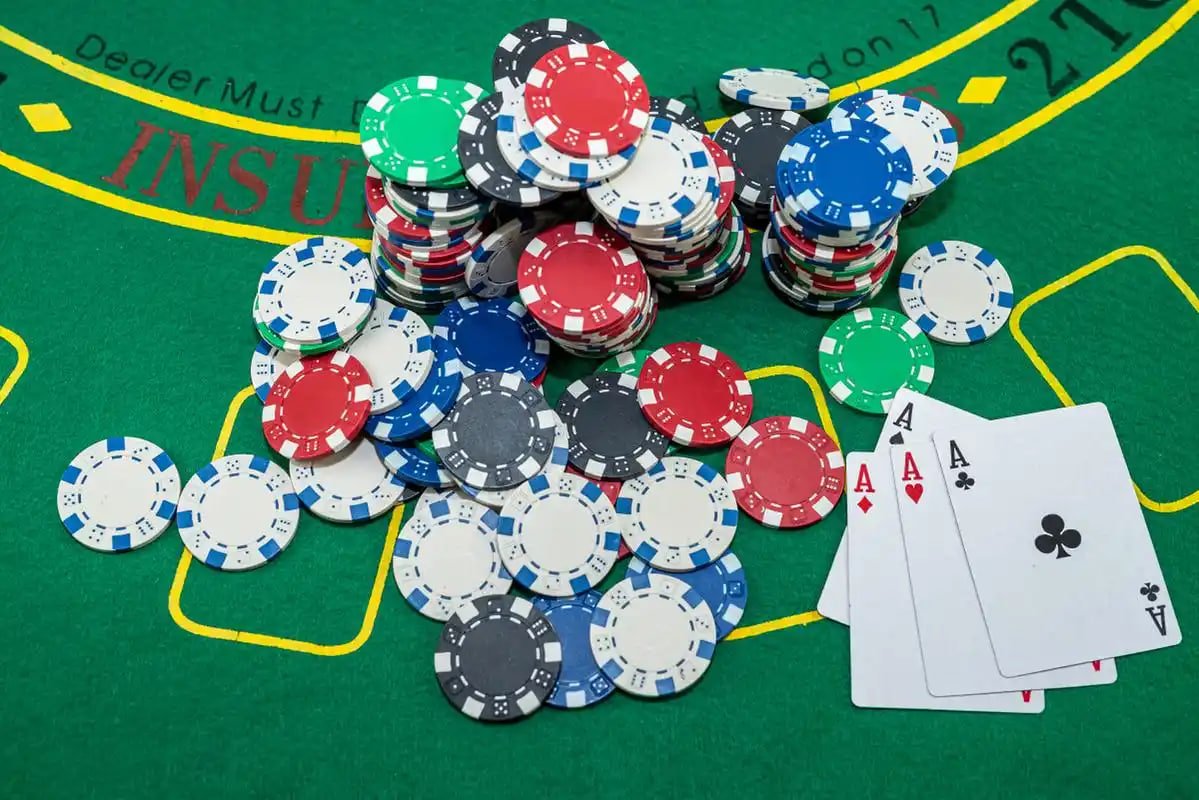
Playing Responsibly and Managing Your Winnings
ph876 is an entertainment platform. Every peso you put in as a wager carries the real possibility of loss — there is no guaranteed return in sports betting or casino games. Before you play, set a clear budget for how much you are comfortable spending and stick to it regardless of whether a session is going well or badly.
When you do have winnings to cash out, the withdrawal process on ph876 is designed to be straightforward and to return your PHP balance to you without unnecessary friction. If you ever feel that gaming is taking up more time or money than it should, visit the Responsible Gaming page for practical tools and guidance. ph876 is for players aged 21 and above only.